





What Next
What a very strange day. I got up at my normal time (0400) and headed for the kitchen to make my first coffee from a pod. At the first step towards my bedroom...
Open Complete Post
BluTeam Relay is BluSup's owner-controlled handoff channel for Jim, Blue (ChatGPT), Sol (Codex), Sunny (Muse), Nova (Gemini), Copilot (Microsoft), and future AI collaborators. It's the coordination layer for BluSup — decisions, status handoffs, task ownership, monitoring summaries, and shared AI context — without giving any AI uncontrolled access.
MCP is the bridge that lets approved, public-safe relay notes travel beyond the owner page. Connected AI tools can discover published handoffs, check revision changes, and continue the work without receiving owner credentials or direct write access. Jim remains the authority: AI collaborators draft; Jim approves and publishes.
AI drafts → Jim approves/publishes → BluSup stores → MCP exposes → AI teammates read and continue.
Right now
Just as life is starting to look up, I'm losing my ability to walk.
Recent public entries from My Blog.
What a very strange day. I got up at my normal time (0400) and headed for the kitchen to make my first coffee from a pod. At the first step towards my bedroom...
Open Complete PostI finally made it into the Biloxi Memorial Hospital ER today. My ankle has been showing all the signs of a possible blood clot, swollen, red, numb toes, enlarged...
Open Complete PostI'm using my slick little rolling walker to get to the kitchen today. I can balance my food on the seat as I hobble back and forth to my room. My usual breakfast...
Open Complete PostLooking for something particular? Search BluSup. Feeling curious? Follow the Rabbit Hole and see where it takes you.
Find public posts, site pages, categories, listings, photo sets, image names, image titles, and BluSup tools from one place.
Surprise yourself with a public site, project, post, guide, photograph, experiment, or safe preview of a protected BluSup tool.
Everyone can explore. What you can change depends on your BluSup access level.
The upper-right Quick Nav menu keeps your recent stops for this browsing session. Tap a trail bubble to return to one. Browser Back, Wave Back, and the common Back button work as usual, so you have a few ways to find your way back.

Click anywhere in the sky and explore what humanity has already observed there. Roman Explorer scans public NASA/STScI archive data and translates technical astronomy results into plain English. This is an active trial.
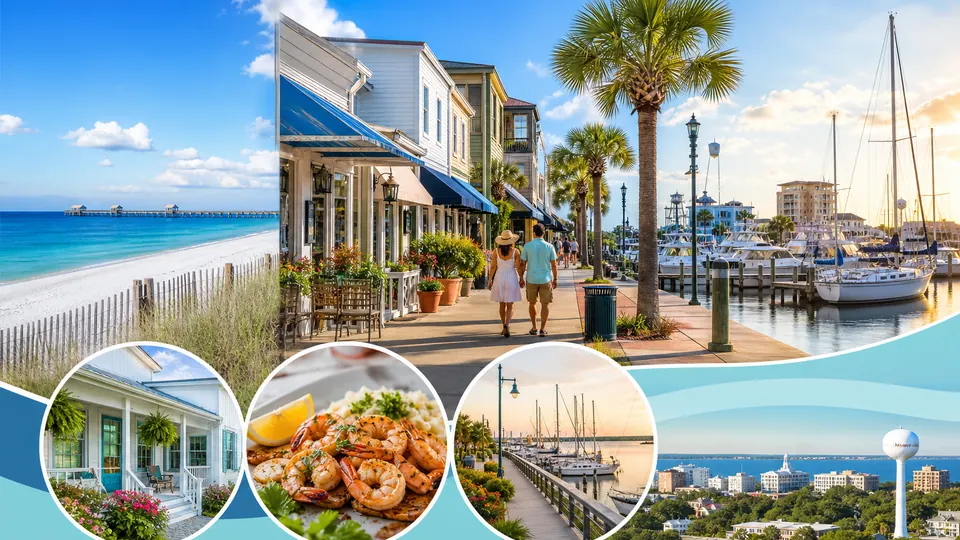
Scan the SkyA growing Mississippi Gulf Coast, statewide, and national guide to America’s 250th birthday — with researched events, category browsing, service opportunities, student programs, and landmark celebrations.
Explore BluSup 250Austin, Texas with the volume turned up: live music, food trucks, BBQ, South Congress, Lady Bird Lake, bridge bats, Capitol roots, and the road-west BluSup angle from Biloxi.
Explore AustUpSeattle, Kent, Federal Way, Orting, and the South Sound through real roots: family-aware day runs, transit and access notes, Kent home-base memories, and a respectful Monarch Collision Center spotlight.
Explore SeaBluReal errands, tough sidewalks, bridge crossings, battery confidence, cargo choices, and Jim-tested routes for life on a black Lectric XP Trike with backrest seat.
Explore TrikeBluThe Pillars of Biloxi through a resident’s eyes: recovery notes, skilled care, rehabilitation, documented history, and BluPilot. Pixel photo collections are still to come, and staff profiles will be shared only with permission.
Explore PillarsA rider-first electric mobility project born inside rehabilitation: seated comfort, AI guidance, hazard awareness, real paratransit experience, and a public engineering path toward a safer personal vehicle.
Explore BluPilotJim’s living journal of recovery, family, BluSup building, photographs, music, hard days, small wins, and the road forward — with selected posts shared publicly.
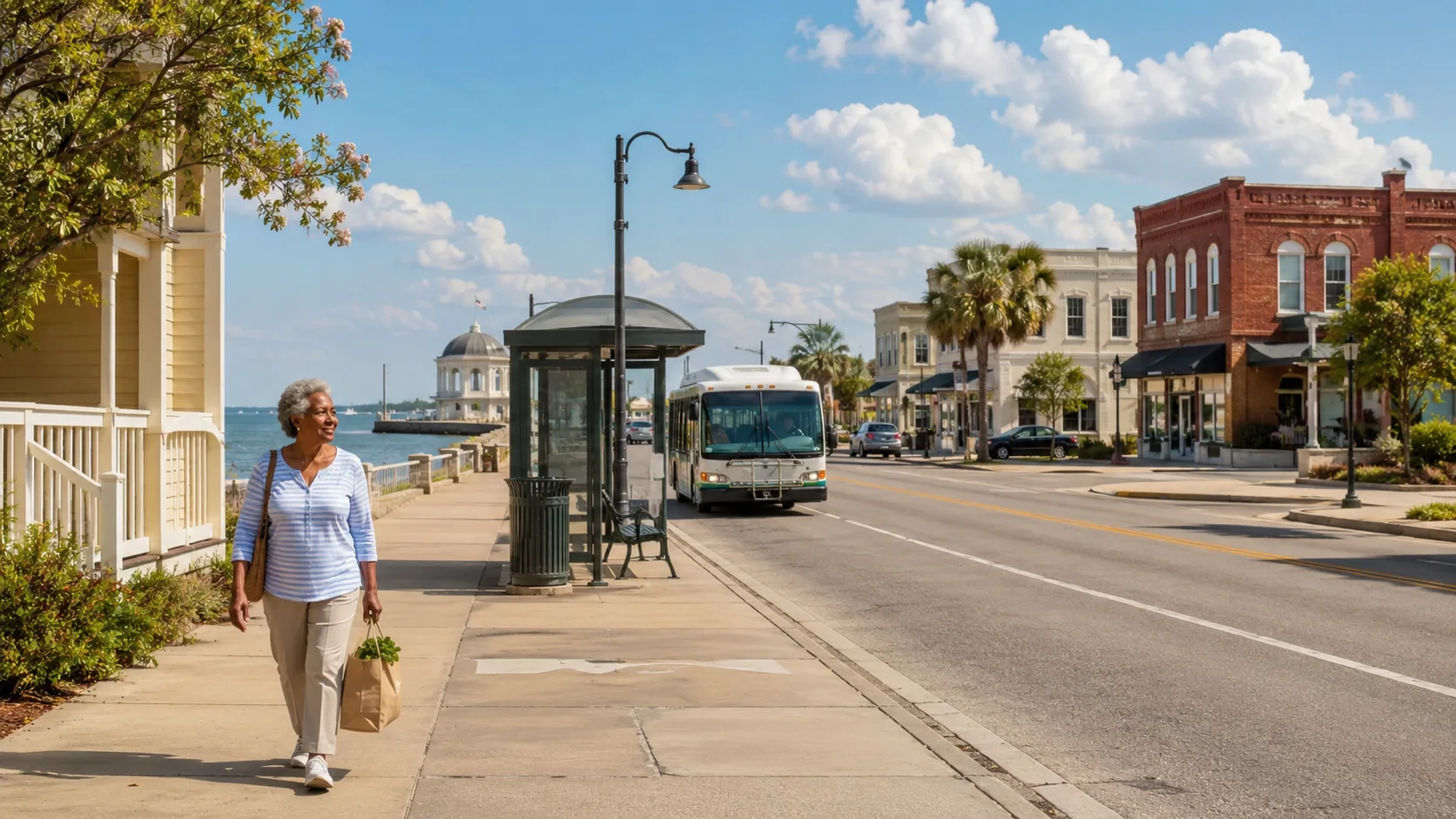
Open My BlogBiloxi life without a car: practical daily-life stops, bus-friendly errands, groceries, pharmacies, libraries, cheap eats, workout places, walking paths, and useful local trips.
Explore BluoxiA practical Baton Rouge starting-fresh guide for housing leads, transit, food, health basics, public services, banking, phones, libraries, support resources, and next steps.
Explore BatonBluA new Bluoxi category with practical no-car trip ideas: beach corridor starts, Pass Road grocery runs, library and coffee trips, pharmacy errands, fitness and swim trips, and walking-path outings.
Open Useful TripsA focused New Orleans guide for coffee shops, roasters, cafes, beignets, and neighborhood coffee stops.
View the coffee guideExplore New Orleans food and drink by category, find places to try, and send a question when something catches your interest.
View BluOrleansFind food trucks, pop-ups, and mobile vendors, and see the areas they serve.
View BluBitesBrowse Pensacola places by category, find somewhere that interests you, and suggest an update when details have changed.
View BluSacolaHave an idea for a local guide or directory? Talk with Jim about a tourism, housing, food, or other site that helps people find options and send inquiries.
Start with BluHavenExplore Belize tour ideas and ask about a trip. Tour operators can also ask about being listed or featured.
Explore BelizeBluePeace. Power. Purpose. Pride. A simple breathing page built around calm, strength, direction, and earned dignity.
Open Living MantraBluSup Blueprint is Blue's visual map of the system Jim Hamilton, Blue, and Codex are building together -- how People, authority, discovery, security, content, and tools fit together, and why they exist.
The BluSup Project Map turns the system into an interactive journey through its public experiences, creative projects, working tools, and the ideas connecting them. It is a friendly way for newcomers to understand what BluSup has become—and a quick doorway into the places that interest them most.
Built from decades of programming experience and a remarkable modern collaboration between Jim Hamilton, Blue, and Codex, the map makes a large living project feel inviting, understandable, and fun to explore.
Open the Interactive Project MapA quiet, convenient place to keep today together—your main task, appointments, reminders, people to contact, important links, good moments, and small wins.
No account. No password. Everything you enter stays privately in your browser on your device. It is not submitted to BluSup or stored on the BluSup server.
Put BluSup on your Home screen with its own icon. It opens like an app, stays connected to the live BluSup family, and requires no app store.
See stories, photographs, places, recovery, mobility projects, public guides, and protected owner tools as one connected digital world — without pretending it contains Jim’s entire life.
BluSup Front Porch
Welcome to the Front Porch. Find something to explore, get to know the apps, or see the latest check on how BluSup is doing.
Browse the apps, projects, places, experiments, and tools gathered in Everything BluSup. Pick something familiar, or follow your curiosity somewhere new. Owner tools still require the right access.
Each app has its own name, icon, and colors. Look for those familiar signs in the home-page launcher and full-screen Info Box when you want to find it again.
Jim’s latest System Check reports 309 PASS, 0 WARN, 0 REVIEW, 0 FAIL, and 16 INFO. These results show where things stood when the check was run.
Explore the public BluSup family, request access, suggest a place update, ask about a BluSup tool, or request a guide site for your town, project, community, or business.
Security Center now gives visitors, interested users, and owner/admins one clear place to request access, sign in with an approved PIN, and check current access state.
Browse recovered camera shots and old artwork, with room for more collections. Open a thumbnail to see it full size, zoom in, drag to look around, or choose Original inside the viewer.
6 public folders ready now Click the image to open the zoom viewer. Open PhotosYou can plan an errand without a car, explore somewhere new, look into a trip, or find a food truck. The guides bring together places, photographs, and ways to ask questions. Businesses can request listing updates or claims, and owners have protected tools to look after their sites.
Inside BluSup gives visitors safe, working demonstrations inspired by the real tools behind the platform. They can search, type, filter, preview, and hear a transition note—but the gallery never saves, submits, uploads, applies, or opens a working management control.

Some management tools require owner permission. Visitors can explore the sites, while site owners can sign in to manage approved projects.
Open the owner/admin map for BluSup tools, sites, public links, and safety scope.
Open Everything CenterReview and manage generated directory sites through the existing owner workflow.
Open Generated SitesPrepare and review listing, category, and entry image batches when owner access allows it.
Open Image StudioInspect, repair, and rename generated-site folders through protected controls with backups before renaming.
Open Lifecycle ManagerReview generated-site inquiries from the private owner/admin inbox.
Open Lead InboxReview listing claim requests through the existing protected claim workflow.
Open Claim ManagerManage generated-site placement metadata through the existing protected owner workflow.
Open Placement ManagerRun the existing route, boundary, generated-site readiness, and safety diagnostics.
Open System Check